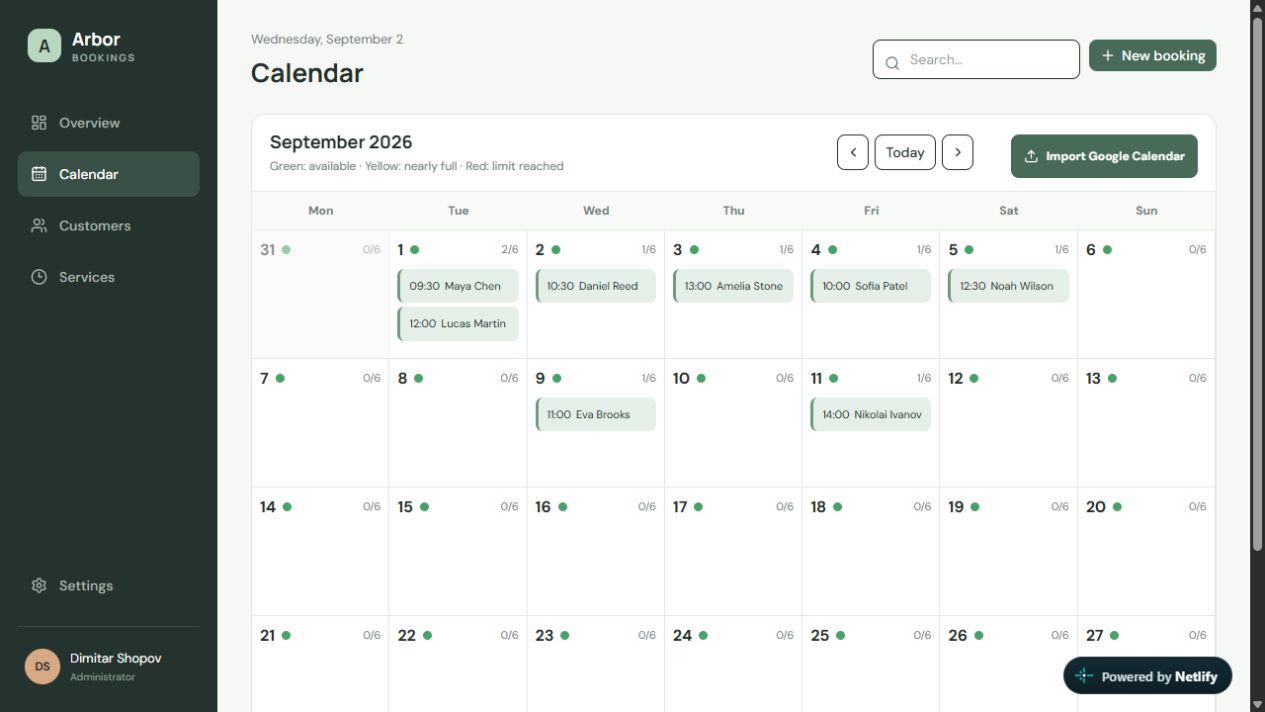
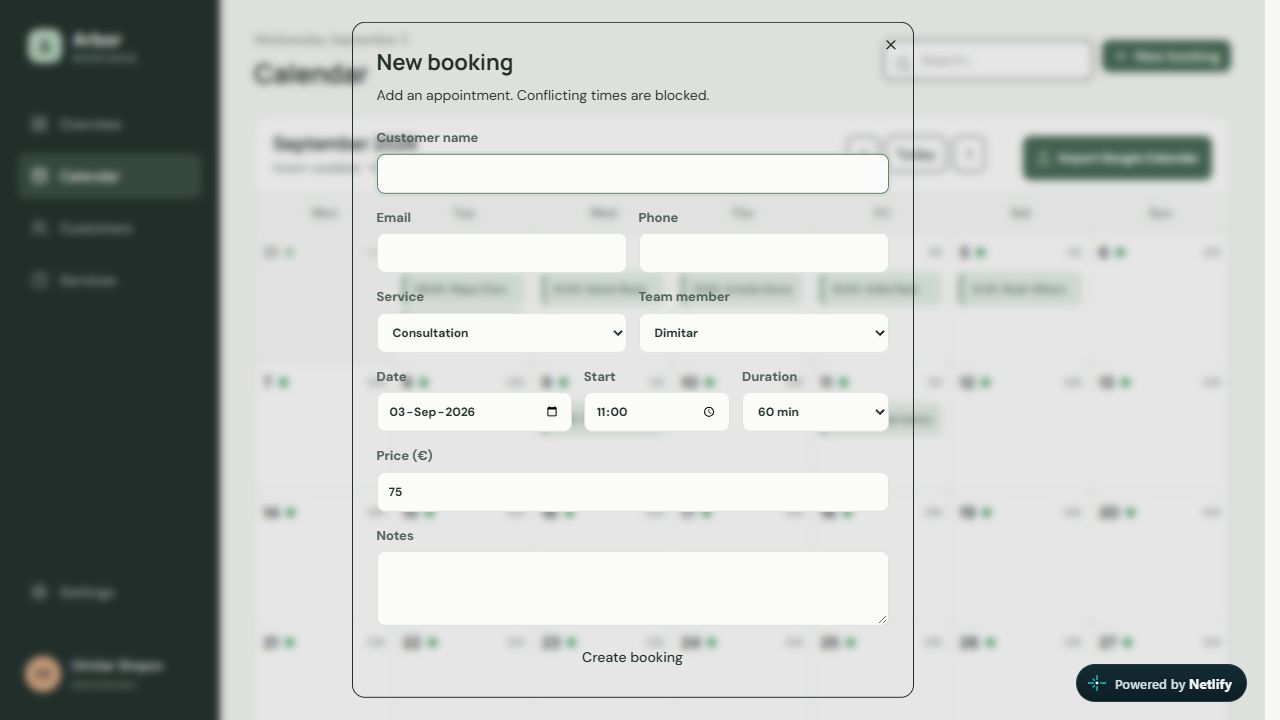
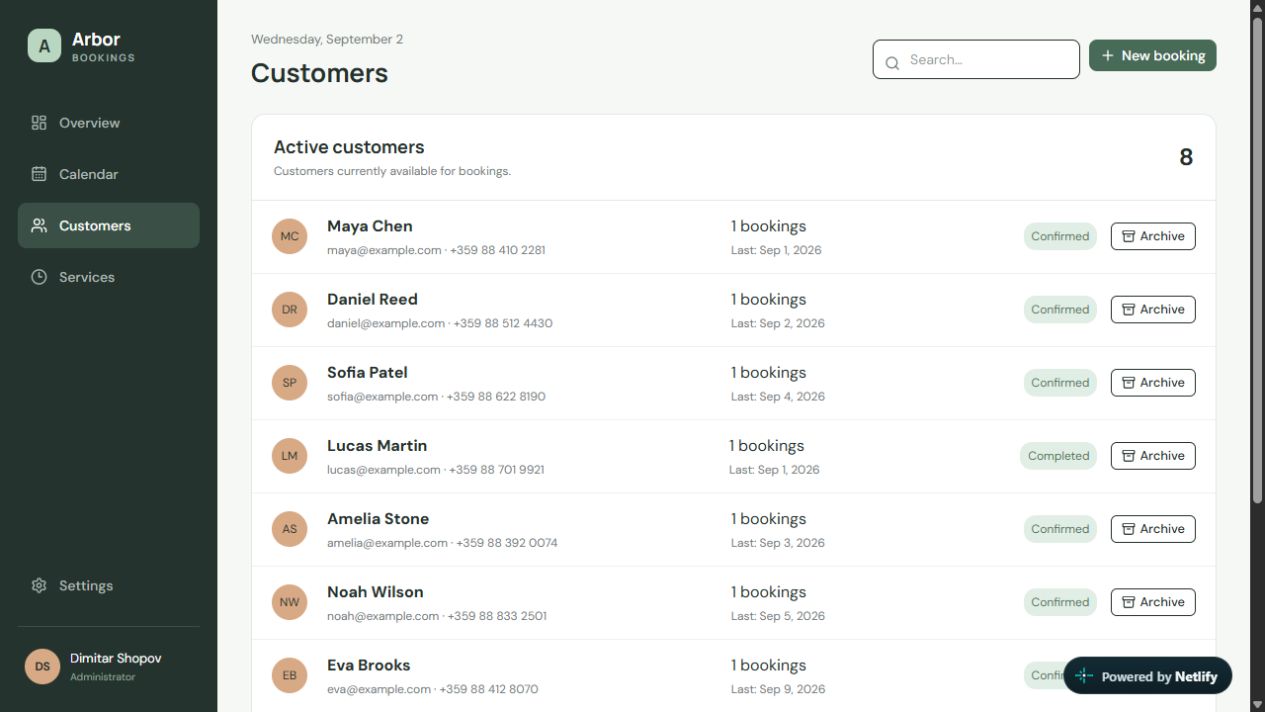
01
Understand the week before adding more work
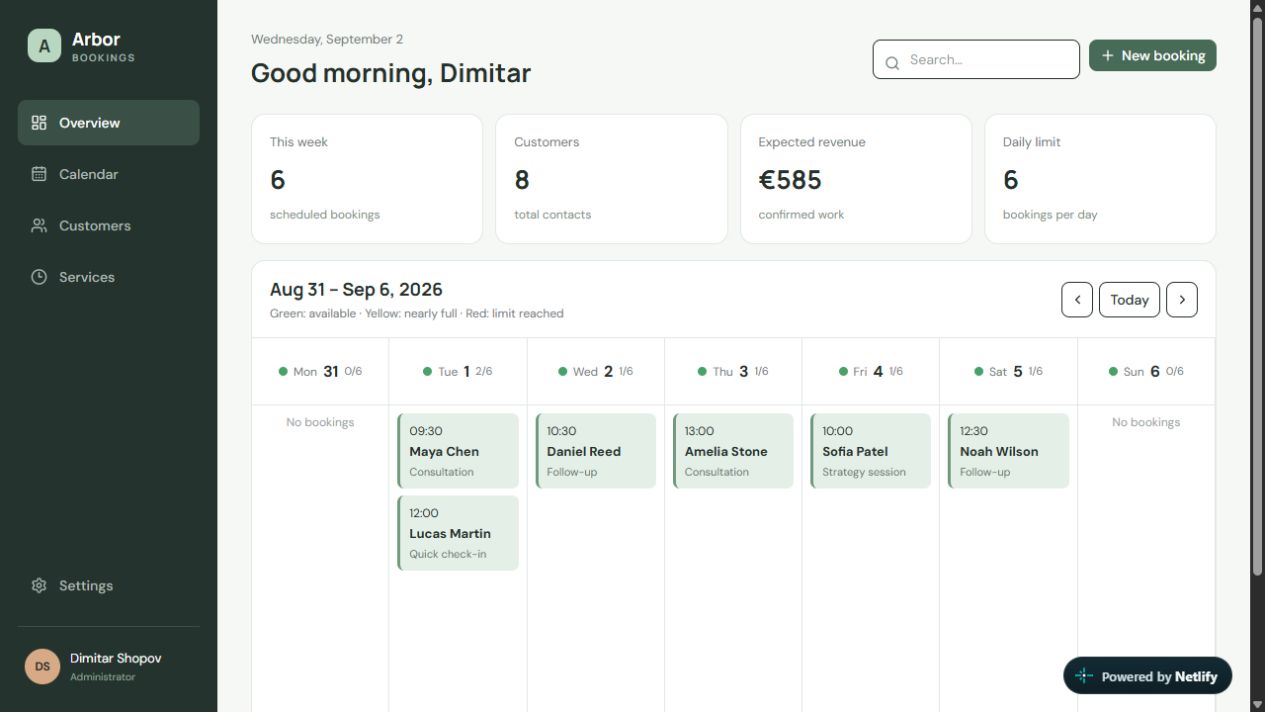
Overview combines the weekly schedule with booking, customer, revenue, and daily-limit summaries. Each day shows its appointment count against your chosen capacity, so a quiet day and a busy one are easy to tell apart.
- Use the arrows beside the date range to move between weeks. Today takes you to the current week, which may differ from the sample week.
- Read the capacity indicator: green means available, yellow means nearly full, and red means the daily limit has been reached.
- Select an appointment to inspect its details, edit or delete it, or update its status. Settings lets you change the daily limit from the default of six.
 View full size ↗